

Check and improve citations
Kotahi can look a citation up against external services and offer you corrected versions of it. The tools sit on the Production page: open a manuscript’s Production link from the Manuscripts page and scroll to the reference list.
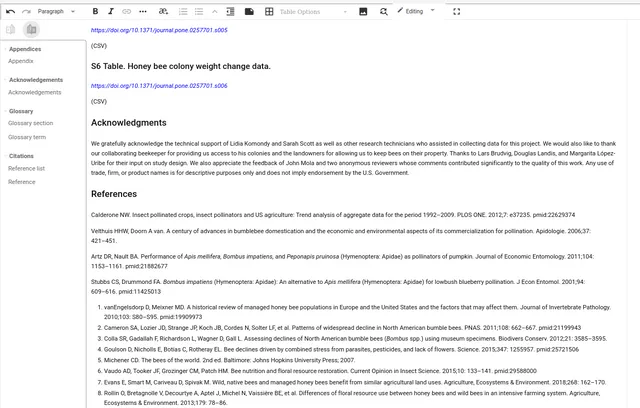
The left-hand panel holds the reference tools.
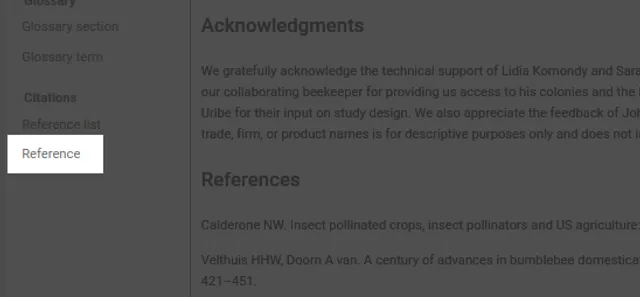
Select a reference, then click the reference tool. A small menu appears beside it.
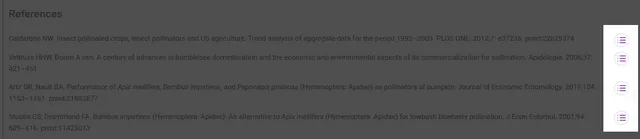
Choosing one of those icons opens the look-up overlay.
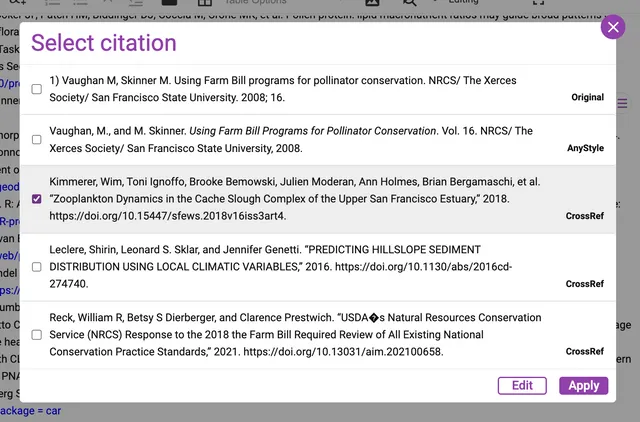
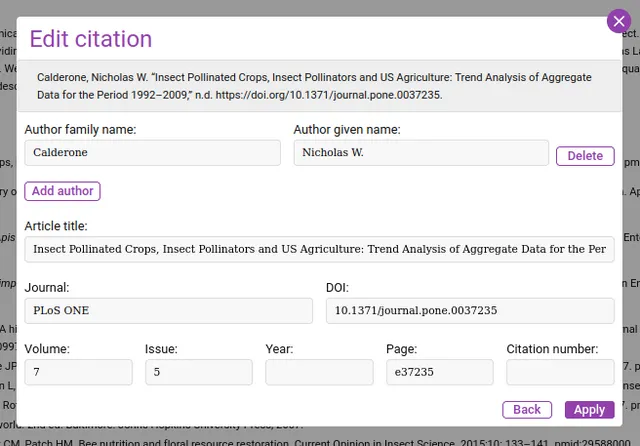
Each candidate is tagged with where it came from, and formatted in the citation style set for your group. Select one and click Edit to correct it — author names, article title, journal, DOI, volume, issue, year, page and citation number.
Where the suggestions come from
Section titled “Where the suggestions come from”Kotahi queries Crossref. It can also query DataCite, which is off until someone turns it on, with an option to fall back to Crossref when DataCite returns nothing. AnyStyle is different: it parses the text of the original citation rather than looking it up anywhere.
These are third-party services, so results depend on them being available. If a look-up returns nothing when you expected something, running it again later is worth trying before assuming the citation is at fault.
The settings behind it
Section titled “The settings behind it”Choose Configuration in the left menu, then the Production tab. That is where the contact address sent to Crossref, how many candidates a look-up offers (three unless you change it), whether DataCite is queried at all, and the citation style and locale are set. The styles are APA, Chicago note-bibliography and Council of Science Editors alphabetical. See Settings: Production.